
Download Microsoft Word – free, secure, cross‑platform word processor
Overview
Microsoft Word has been the benchmark for document creation for more than three decades, and the Mac version keeps that legacy alive with a modern, cloud‑first design. As part of the Microsoft 365 suite, Word can be downloaded at no extra cost for anyone who holds a valid subscription—many universities, corporations, and even some public libraries provide shared licenses, making the tool practically free for a large audience. The application blends a familiar ribbon interface with AI‑driven assistance, real‑time co‑authoring, and seamless integration with OneDrive, Teams, and other Microsoft 365 services.
Whether you’re drafting a research paper, polishing a business proposal, or collaborating on a marketing brief, Word offers a polished experience that feels both powerful and intuitive. Its extensive template library saves you from starting from scratch, while the built‑in Microsoft Editor catches grammar, style, and even tone issues before you hit “Send.” For Mac users, the transition from Windows is virtually invisible—menus, shortcuts, and formatting options are consistent across platforms, reducing the learning curve for anyone who already knows the Windows version. Moreover, Word’s autosave feature guarantees that every keystroke is safely stored in the cloud, eliminating the dreaded “I forgot to save” moment.
The combination of a robust feature set, deep ecosystem integration, and a familiar UI makes Microsoft Word the go‑to word processor for students, professionals, and creative teams alike.
Key Features and What Users Love
- Rich Document Creation & Formatting: Hundreds of built‑in styles, fonts, and layout options let you craft anything from flyers to technical manuals.
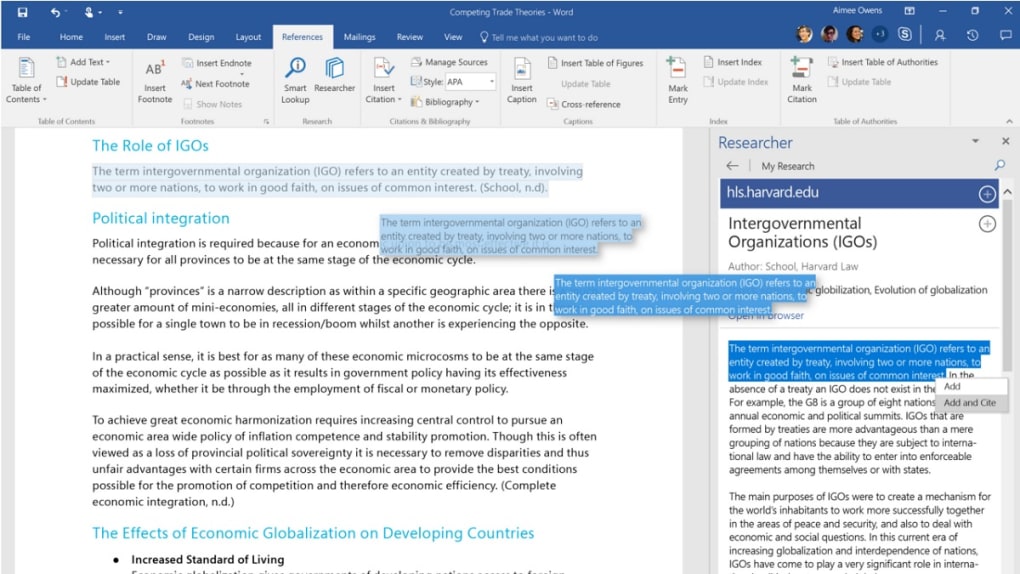
- Real‑time Collaboration: Co‑author documents through OneDrive, see live edits, and add comments without leaving the app.
- AI‑Powered Microsoft Editor: Grammar, punctuation, style, and readability suggestions powered by the latest artificial intelligence.
- Multimedia Integration: Drag‑and‑drop images, charts, tables, and SmartArt directly into your document while preserving layout fidelity.
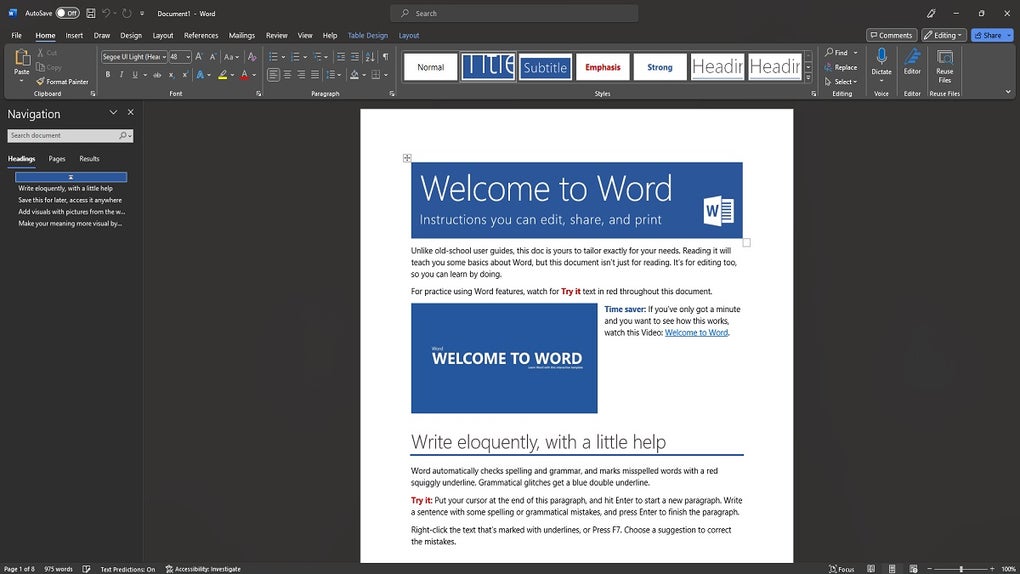
- Extensive Template Library: Pre‑designed templates for resumes, reports, newsletters, and academic papers accelerate your workflow.
- Cross‑Device Sync: Save to OneDrive and access your files from any Mac, PC, iOS, Android, or web browser.
- Advanced Review Tools: Track changes, compare documents, and manage version history for rigorous editing processes.
Pros
- Industry‑standard compatibility – .docx files open flawlessly everywhere.
- AI‑driven suggestions improve writing quality for users of all skill levels.
- Deep integration with Microsoft 365 services (Teams, OneDrive, Outlook).
- Robust collaboration tools support remote and hybrid work environments.
- Regular updates keep security patches and new features current.
Installation, Usage Tips, Compatibility & Frequently Asked Questions
Getting Microsoft Word on your Mac is straightforward. Sign in to your Microsoft 365 account, navigate to the “Apps & Devices” portal, and click “Install Office.” The installer automatically detects macOS Sierra (10.12) or later, which is the minimum supported version. After the download completes, drag the Microsoft Word icon into the Applications folder, launch the app, and sign in with your Microsoft credentials to activate the subscription.
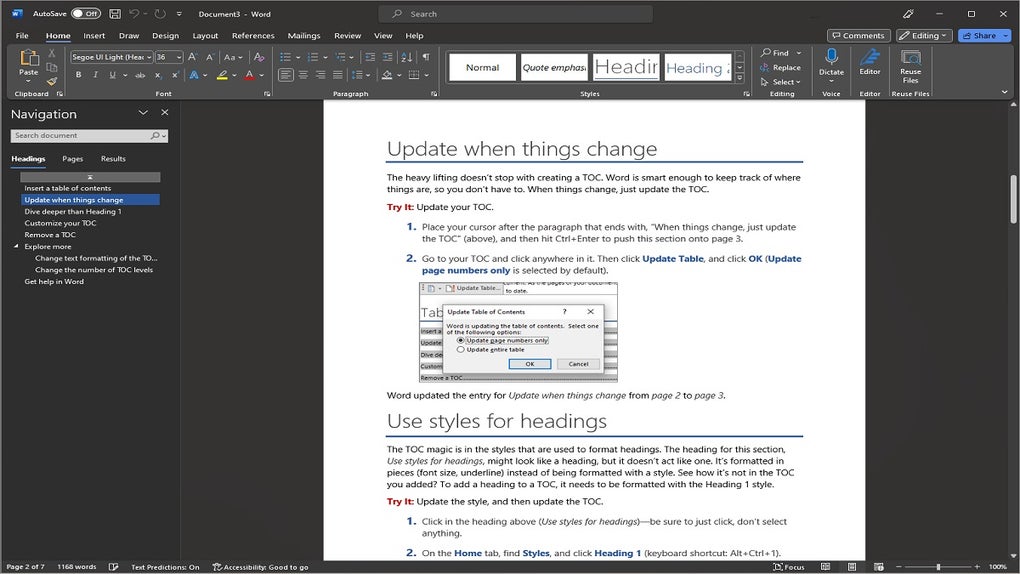
The first launch may prompt you to enable the autosave feature—highly recommended for cloud‑based work. Once installed, you can personalize the ribbon, set default fonts, and configure your preferred language settings under Word > Preferences. For power users, keyboard shortcuts (⌘ + B for bold, ⌘ + Shift + S for strikethrough) accelerate editing, while the “Tell Me” search box at the top quickly locates commands you might not remember.
Compatibility
Microsoft Word runs on macOS Sierra (10.12) and later, including macOS Ventura and macOS Sonoma. It also works on Apple Silicon Macs thanks to native ARM support, delivering faster launch times and lower battery consumption. For users who switch between devices, the same Microsoft 365 subscription unlocks Word on Windows PCs, iOS, Android, and the web, ensuring a consistent experience across the entire ecosystem.
Cons
- Full feature set requires a Microsoft 365 subscription; the free online version is limited.
- Heavy reliance on cloud services can be problematic in low‑bandwidth environments.
- Some advanced formatting options (e.g., complex mail merges) have a steeper learning curve.
FAQ
Is Microsoft Word free for Mac users?
Word itself is free to download, but you need an active Microsoft 365 subscription to unlock its full desktop features. Many educational institutions and workplaces provide this subscription at no extra cost to students and employees.
Can I use Word offline?
Yes. After you sign in and activate the app, you can work on documents offline. Changes sync automatically to OneDrive once you reconnect to the internet.
How does real‑time collaboration work on a Mac?
When a document is saved to OneDrive or SharePoint, you can invite collaborators via a sharing link. Everyone sees each other’s cursor and edits in real time, and you can use the built‑in comment pane to discuss changes.
What are the system requirements for the latest Word version?
macOS 10.12 (Sierra) or later, 4 GB RAM minimum, 10 GB of free disk space for the Office suite, and an internet connection for activation and updates.
Is my data safe when using Word with OneDrive?
Microsoft employs enterprise‑grade encryption both at rest and in transit. Additionally, OneDrive offers version history and ransomware detection, providing an extra layer of protection for your documents.
Conclusion – Why Microsoft Word Is Still the Best Choice for Mac Users
In a market flooded with lightweight editors and niche writing tools, Microsoft Word stands out for its unparalleled compatibility, AI‑enhanced assistance, and deep integration with the broader Microsoft 365 ecosystem. The free download option removes the barrier to entry, while the subscription model guarantees you always have the latest security patches and feature updates. Whether you’re a student drafting a thesis, a marketer creating a proposal, or a remote team collaborating on a complex report, Word’s real‑time co‑authoring, extensive template library, and powerful review tools keep you productive and confident.
The macOS‑native experience feels smooth, and the ability to switch seamlessly between Mac, Windows, iOS, Android, and the web means you’ll never be locked out of your own work. If you already have a Microsoft 365 license through school or work, there’s no reason to look elsewhere—simply download, sign in, and start writing. Even if you’re new to the platform, the intuitive ribbon interface and built‑in tutorials make the learning curve gentle.
Take advantage of the free download today, enable autosave, and discover how Microsoft Word can streamline your writing workflow, enhance collaboration, and keep your documents secure wherever you go.
Download Microsoft Word for Mac now and experience the industry‑standard word processor that powers millions of professionals worldwide.
Pros: Compatibility, AI assistance, collaboration, template variety.
Cons: Requires subscription for full features, occasional heavy resource usage.







